Built for IRL streamers who can't afford to drop

Your stream stays live, even when your connection doesn't.

Bond 5G, 4G and Wi‑Fi into one stream. If everything drops, your fallback video keeps viewers watching until you're back.

No credit card required. Works with OBS, Moblin, IRL Pro and Larix.

Your phone streams over 5G, 4G and Wi‑Fi at the same time.

What your viewers see when the signal drops

Most viewers leave within seconds of a frozen or offline stream. A fallback keeps them watching while you reconnect.

Without StreamIngest

Viewers see a frozen frame, then “offline”, and leave.

With StreamIngest

The stream stays live and plays your fallback video.

Streaming normally…

Pick what plays while you are away

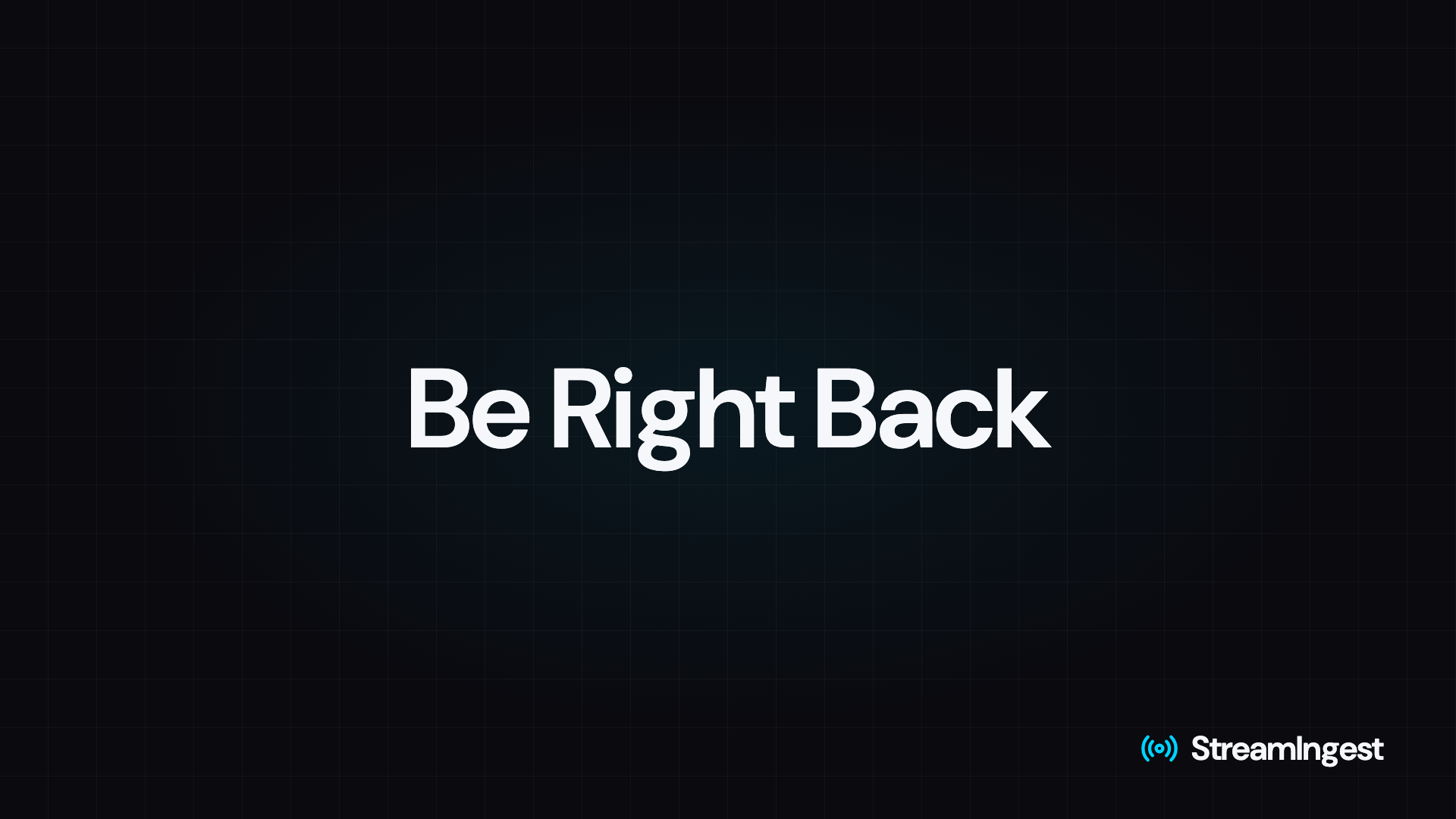
  • Be Right Back

    Ready out of the box. Nothing to upload.

  • Your own image or video

    Your branding, your message, looped while you reconnect.

  • Best Moments PRO

    Your favorite AI clips replay while you are gone.

From signup to live in about 5 minutes

  1. Set up in about 2 minutes

    Pick Twitch, YouTube or Kick and paste your stream key. A Be Right Back screen is ready out of the box — swap in your own anytime.

  2. Point your encoder at StreamIngest

    Paste your SRTLA URL into Moblin, IRL Pro or OBS — or open it in the app with one tap. Your connections are bonded automatically.

  3. Go live and stop worrying

    Watch live stats while you stream. If the signal drops, your fallback plays; when it comes back, so does your stream.

Produce your stream from your phone

Scenes, overlays and a backup ingest run in the cloud — no laptop in your backpack. Included in PRO and in your 5 free hours.

LIVE

Your camera, with your overlays on top

2 layers · 5% of 25% screen

  • Starting and Ending scenes PRO

    A starting screen until your encoder connects, an ending screen when you stop. Use ours or upload your own.

  • Overlays per scene PRO

    Logo, banners, text and animated video with transparency, placed per scene. No OBS needed.

  • Backup encoder or co-stream PRO

    A second phone takes over if yours dies, or a friend joins your live. $3/month per extra ingest.

  • A report after every live All plans

    A 0–100 quality score and what went wrong, and when: weak signal, packet loss, time on fallback.

Two plans. Same 5 free hours.

Try everything free for 5 streaming hours — PRO features included — then choose BASIC or PRO. Only time spent live counts.

BASIC

Everything you need to stream reliably

$10/month after your free hours

  • FullHD 60fps streaming
  • SRTLA bonding of 5G, 4G and Wi-Fi
  • Automatic fallback — Be Right Back screen or your own image or video
  • One destination: Twitch, YouTube, Kick or custom RTMP
  • Report after every live with a quality score
See all 9 features
  • H.265 / HEVC input: the same picture at a lower bitrate
  • Transcoding presets: 720p or 1080p, 30 or 60fps
  • Real-time connection stats
  • Guided setup
  • Your 5 free hours include every PRO feature and one backup ingest.
  • Invited by a friend? You get 10% off your first invoice.
  • No credit card for the trial. Payments by Stripe. Cancel anytime.

Works with the apps you already use

Stream from

  • OBS
  • Moblin
  • IRL Pro
  • Larix

Deliver to

  • Twitch
  • YouTube
  • Kick
  • Custom RTMP

Questions streamers ask

StreamIngest switches to your fallback within seconds and keeps the stream live while you reconnect. Out of the box it is a Be Right Back screen; you can upload your own image or video, and on PRO it can replay your favorite clips (Best Moments). When your signal is back, so is your stream.

SRTLA bonding combines multiple internet connections (like Wi-Fi and 4G/5G) into one stable stream. If one connection drops or slows down, the others pick up the slack — giving you reliable IRL and mobile streaming.

No. Any SRT-capable encoder works — OBS, Moblin, IRL Pro, Larix and more. If your encoder supports SRT or SRTLA output, it works with StreamIngest.

Twitch, YouTube and Kick with one-click presets, plus custom RTMP destinations on request. Paste your stream key, pick your platform, and you are ready to go live.

Yes — simulcast is part of PRO ($30/month). Add Twitch, YouTube, Kick or a custom RTMP endpoint and we broadcast the same stream to all of them from a single upload from your encoder. BASIC ($10/month) streams to one destination at a time.

Yes, on PRO. Upload a logo, banner or animated video (WebM and MOV keep their transparency), or type a text layer, and place it per scene in the overlay editor. Overlays are added in the cloud, so they work the same from a phone app like Moblin or IRL Pro.

Up to 25% of the frame in each scene, the same at every resolution (an animated video counts 1.5×). That keeps your stream smooth and your camera the star.

A Starting scene plays from the moment you go live until your encoder connects; an Ending scene plays when you stop, then the stream ends by itself. Use the defaults or upload your own image or video (PRO).

On PRO you can add a backup ingest: a second phone or encoder streams to its own address, and StreamIngest switches to it when your main signal drops — and back when it returns. The same ingest lets a friend join your live. Each extra ingest is $3/month; your free hours include one.

AI Clips is part of PRO: it watches your live stream for clutch, fail, reaction, hype, funny and drama moments and saves short, ready-to-share clips to your dashboard. Mark your favorites and they can play as your fallback (Best Moments). Your free hours include AI Clips.

Your free trial includes 5 hours of actual streaming time with every PRO feature (only live minutes count — setup and idle time do not). Then subscribe for $10/month (BASIC) or $30/month (PRO) to keep streaming. Invited by a friend? You get 10% off your first invoice. Cancel anytime from your billing portal. Billing is handled by Stripe.

Yes. Beyond Twitch, YouTube and Kick, you can request a custom RTMP destination. Submit a quick request and our team will review and approve it.

Ready to never drop again?

Set up in minutes and stream your next IRL session with a safety net. Your 5 free hours include scenes, overlays and AI Clips.

5 free hours. No credit card. Cancel anytime.